Comparison intelligence for apparel manufacturers

eManage Garment ERP vs Excel

A practical decision guide for garment factories replacing spreadsheet-led planning with connected order, fabric, WIP, quality, payroll, dispatch, and costing control.

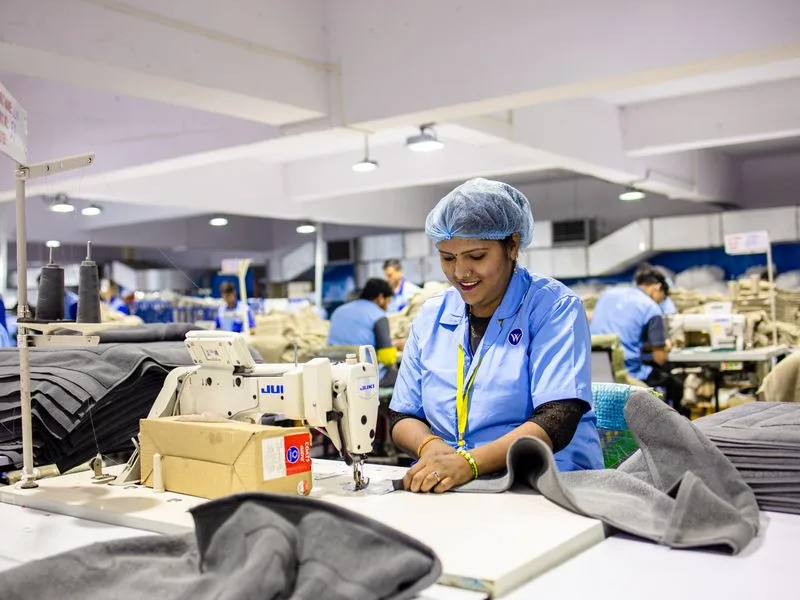
Garment production workflow monitored by eManage ERP
Live WIP status
BOM Linked data
QC Controlled

Decision signal

Excel becomes risky when every department edits reality separately.

Buyer, style, size, color, and shipment data need one version.
Fabric, trims, cutting, stitching, finishing, and dispatch must reconcile.

Excel is flexible, not operationally controlled

It is useful for quick calculations, but it depends on manual discipline, file versions, formulas, and delayed consolidation.

eManage connects the factory workflow

Orders, BOM, fabric, production, quality, payroll, dispatch, and costing move through one governed manufacturing system.

The business case is visibility

The upgrade becomes urgent when managers need today’s bottlenecks, shortages, rejections, and dispatch risk without waiting for reports.

Workflow comparison

Where spreadsheets lose control

The difference is not calculation power. It is how reliably each system preserves live manufacturing truth across departments, approvals, and cost impact.
Factory area
Excel reality
eManage reality
Order planning
Buyer, style, size, color, and shipment dates are maintained across manual sheets.
Centralized style-wise order planning with live workflow visibility.
BOM and fabric
Consumption, trims, purchase, and issue plans depend on formulas and repeated checking.
BOM, fabric requirement, trims, purchase, and issue records stay linked.
Production WIP
Cutting, stitching, finishing, and packing status is often delayed or duplicated.
Department-wise WIP exposes bottlenecks before delivery dates slip.
Quality control
Inspection, rejection, and rework data may remain isolated from production decisions.
Quality checks, approvals, rejections, and rework stay tied to the order.
Payroll and job work
Piece-rate and contractor bills require manual cross-checking against output.
Output-based payroll and job-work tracking use production records directly.
Dispatch and costing
Packing, invoice, stock, and cost variance data sit in separate files.
Dispatch, inventory, finance, and costing reconcile inside one workflow.
Garment inventory and fabric planning process

Material planning

Move from formula-led fabric estimation to connected BOM, purchase, issue, and stock visibility.

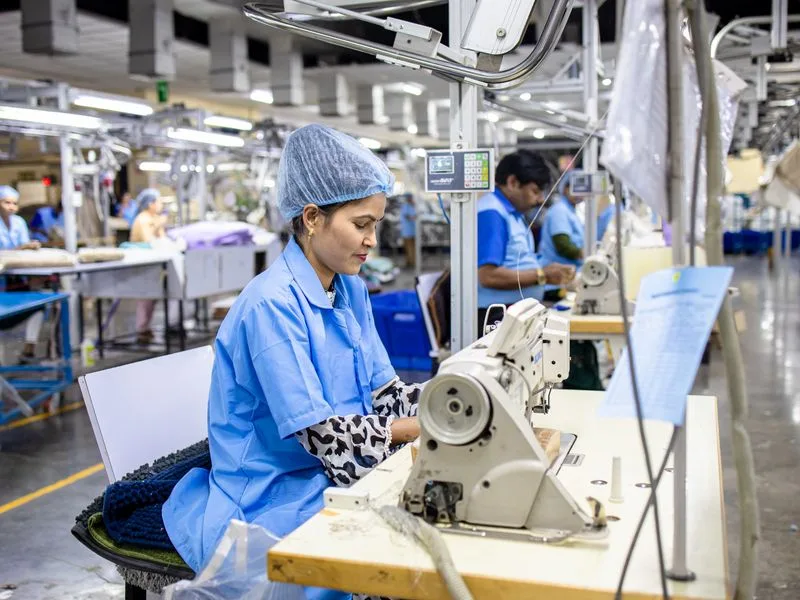
Garment production and quality workflow

Production control

Track cutting, stitching, finishing, quality, packing, and dispatch against actual order status.

Decision threshold

Choose ERP when the cost of delay is higher than the comfort of Excel.

If buyer commitments, raw material, shop-floor output, payroll, and dispatch depend on many separate files, the factory is already carrying hidden operational risk.

Assess your Excel workflow

Migration plan

A clean path from Excel to eManage

01

Inventory the high-risk sheets

Identify operational spreadsheets used for orders, stock, production, quality, payroll, dispatch, and costing.

02

Clean master data

Standardize items, buyers, suppliers, styles, sizes, colors, ledgers, departments, and user roles.

03

Configure actual factory flows

Map cutting, stitching, finishing, job work, inspection, packing, and dispatch around your real process.

04

Run parallel, then retire risk

Compare ERP outputs against known sheets for a short period, then remove spreadsheet dependency in live operations.

Frequently asked questions

Is Excel enough for a small garment factory?
Excel can work for early-stage garment factories with simple orders and limited users. It becomes risky when production, inventory, quality, payroll, and dispatch teams need shared real-time data.
When should a garment factory move from Excel to ERP?
A garment factory should move to ERP when spreadsheet delays affect material planning, order status, WIP tracking, job work, size-color ratios, or delivery commitments.
What does eManage Garment ERP track better than Excel?
eManage Garment ERP tracks style-wise orders, BOM, fabric consumption, cutting, stitching, finishing, quality, packing, dispatch, job work, and piece-rate payroll in one controlled workflow.
Can ERP replace every spreadsheet immediately?
ERP should replace operational spreadsheets first: orders, inventory, production, quality, payroll, and dispatch. Management analysis sheets can remain temporarily while reports are configured.

ERP replacement strategy

Ready to move beyond spreadsheet-led garment production?

Start with the workflows where delays cost the most: material planning, WIP tracking, quality, payroll, dispatch, and costing.

Discuss Your Workflow